

Ask your notes anything.
A decision, a detail, that one brilliant idea. Just ask, and find your way back to it.
A little less note-taking. A little more living.
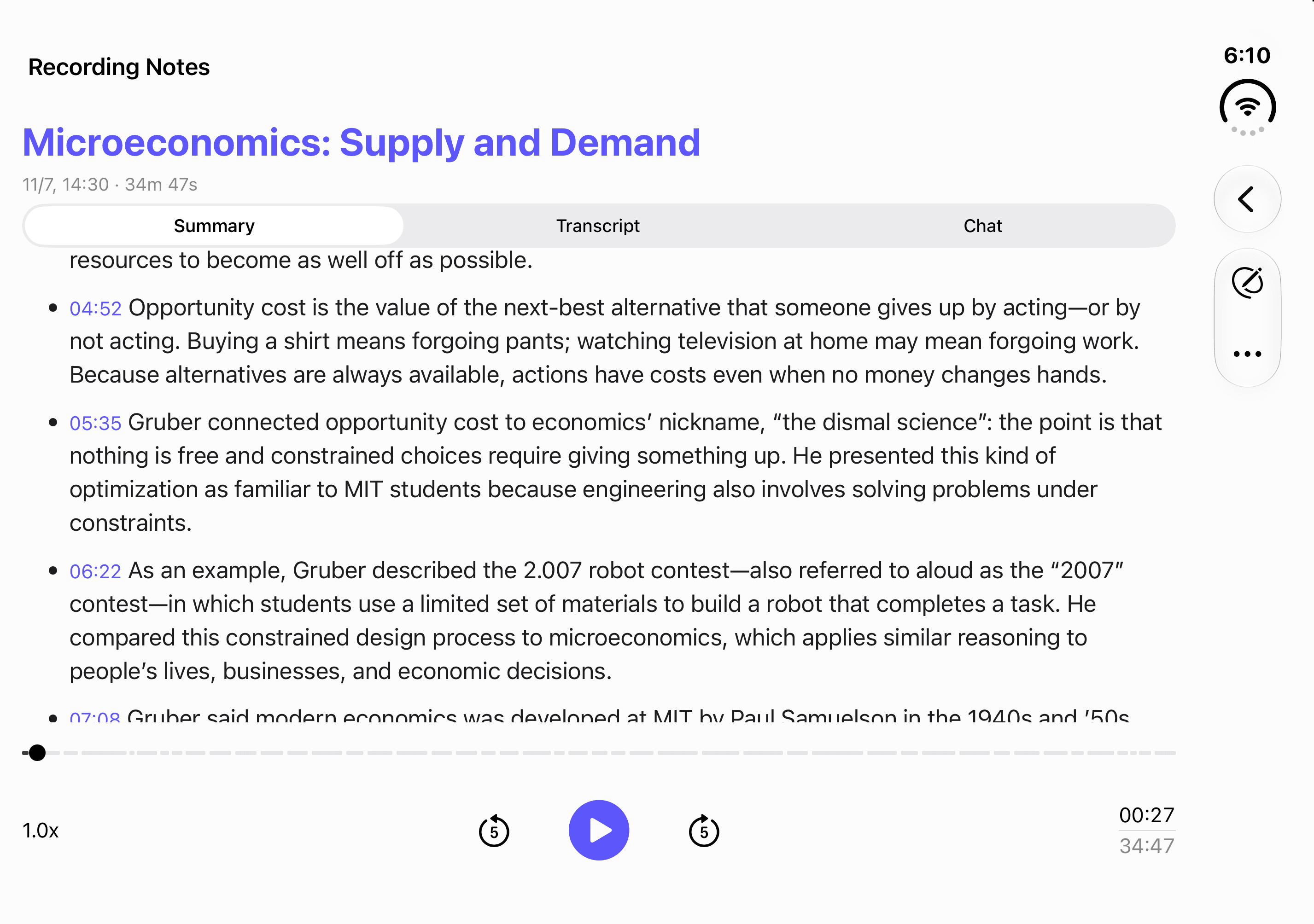
Your conversations, beautifully remembered. Record, transcribe, and turn everyday moments into clear, useful notes.
More listening. Less scribbling.
The best ideas happen when you’re paying attention.
Let Sum keep the details, so you can stay in the moment.
A little less work. A lot more presence.
Capture a meeting, a lecture, or a passing thought. Just press record and stay in the conversation.
Meet your new note takerA small app. A little superpower.
From the first word to the next big idea.
Keep your thoughts moving with Sum.
A decision, a detail, that one brilliant idea. Just ask, and find your way back to it.
Import your audio and video files. Give the recordings you already have a new life as notes.
Record with Apple Watch when your phone is out of reach. Bring it back to your iPhone when you’re ready.
For your kind of everyday.
Work, learn, create, or just think out loud.
There’s a place for it all in Sum.
Listen, contribute, and leave with the decisions and next steps. All without a page of half-finished notes.
FOR WORKFollow the explanation now. Come back to a transcript and a clear summary when it’s time to study.
FOR LEARNINGWalking, commuting, or between things. Turn a quick voice memo into something you can build on.
FOR LIFESum is an AI note-taking app that helps you record conversations, transcribe audio, and turn recordings into useful summaries. Use it for meetings, lectures, interviews, and everyday ideas.
Sum is designed for iPhone, iPad, and Mac, with a companion Apple Watch app for recording on your wrist. Watch recordings can be transferred to your iPhone for transcription and review.
Yes. You can import audio and video files and use Sum to turn their audio into a transcript and summary. You do not have to record inside the app.
Yes. Chat with your recording to find a detail, revisit a decision, or explore the key points. Check important information against the original recording, as AI-generated answers can make mistakes.
You can edit your transcript and export your notes in formats such as PDF and Markdown, or use the share sheet to send them to another app.
The website includes a free audio sample with a prepared transcript and summary. You can listen, follow timestamps, copy the transcript, and download it without an account. Uploading your own recordings is not currently available on the website.

Make room for the moment.
Your next great conversation deserves your full attention.